We’ve added new design options to help you create more polished and engaging QR codes.
What’s New
- New QR code shapes:You can now choose from Rounded and Circular QR code shapes for a more modern look.
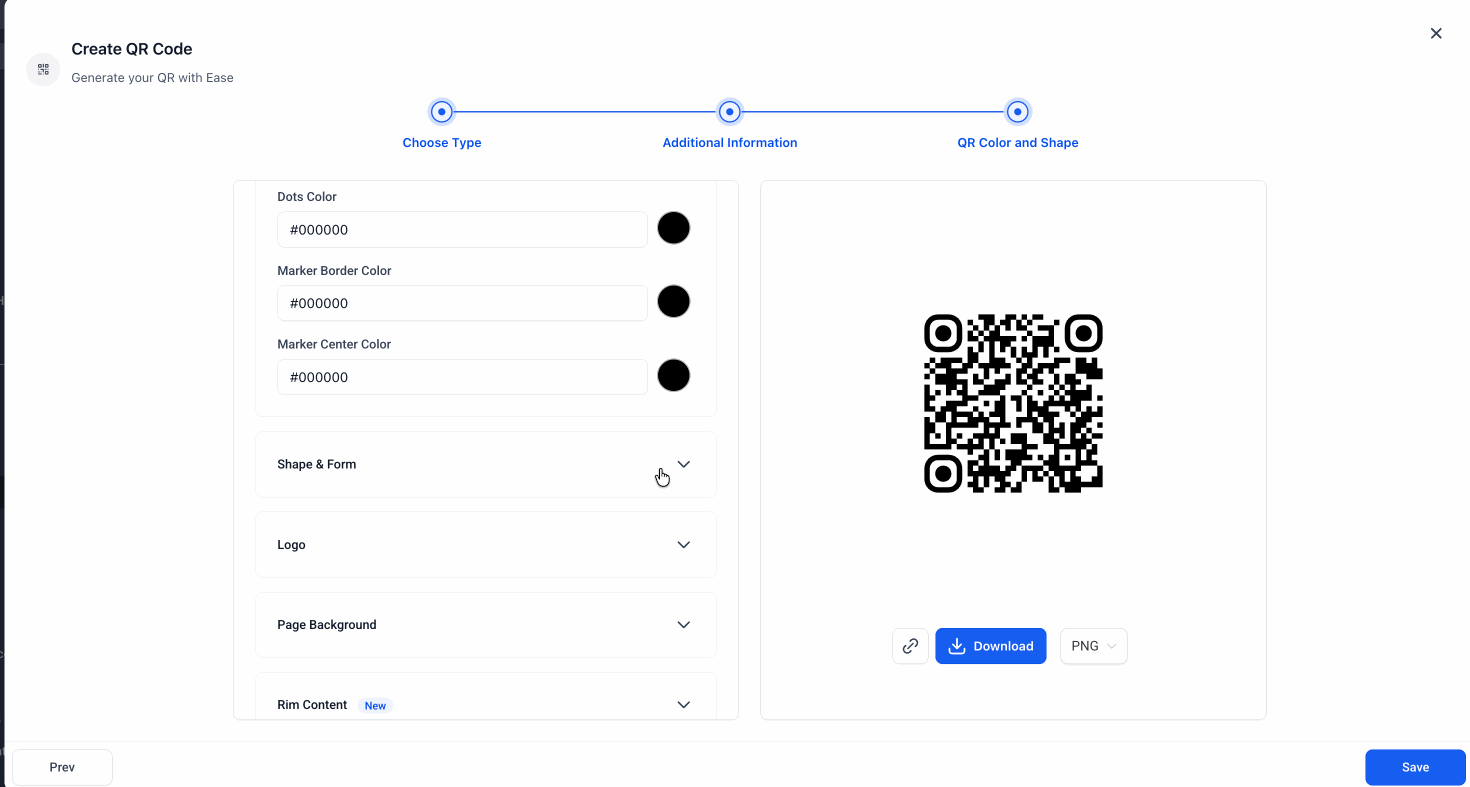
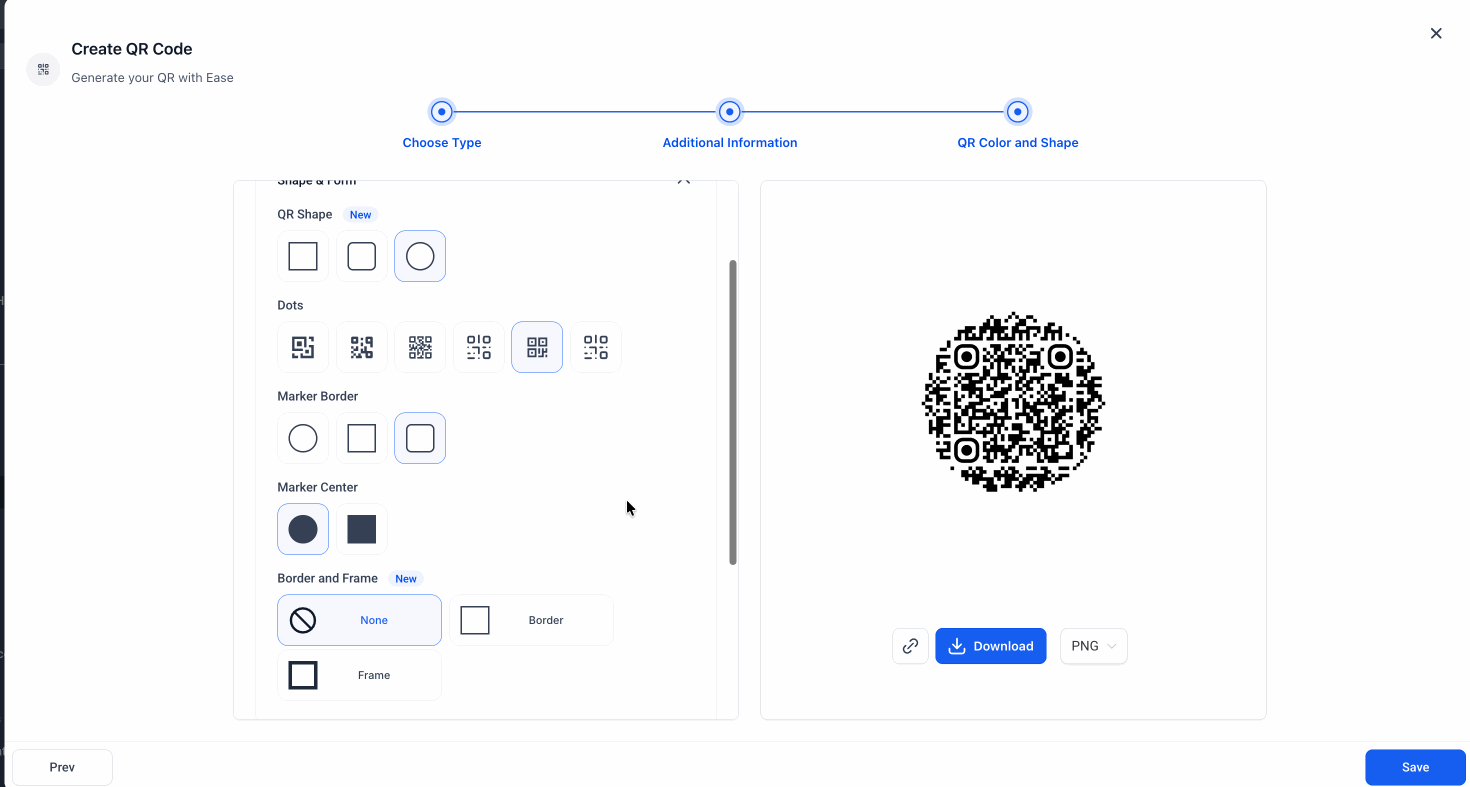
- Border and frame customization:You can now add a border or frame to your QR code and customize its color to better match your branding.
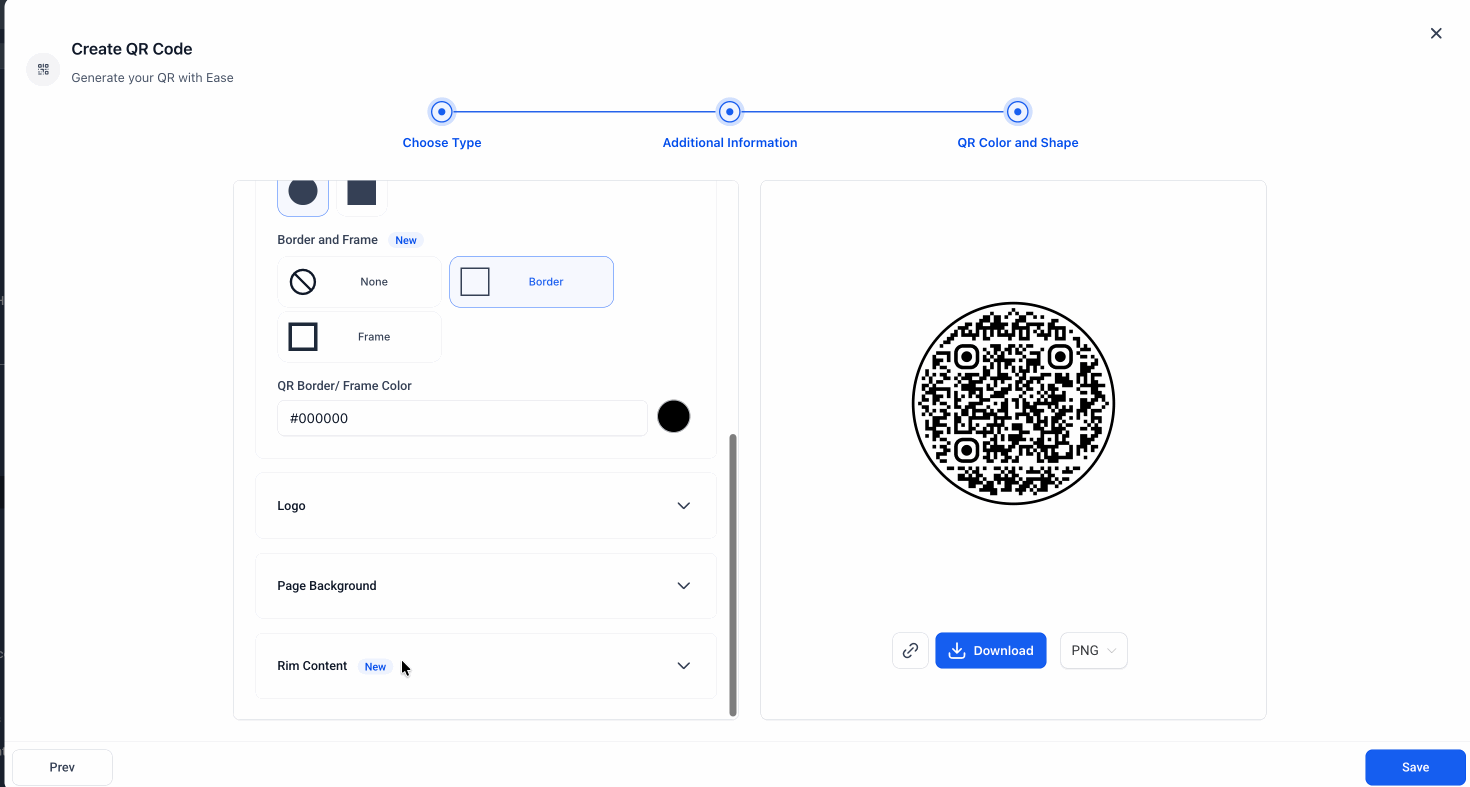
- Rim content:You can now add CTA text to the top and bottom of your QR code to make it clearer and more action-oriented.
Where to Find It
- Navigate to Sites > QR Codes.
- Choose your QR Type.
- Then go to the QR Color and Shape step
- Shape & Form: Choose Rounded or Circular QR code shapes
- Border and Frame: Add a border or frame and customize its color
- Rim Content: Add text to the top and bottom of the QR code
Why It Matters
These updates give you more flexibility to design QR codes that:
- look more visually appealing
- better match your brand
- make your call to action clearer
- These features are available across all QR code types.
Was this article helpful?
That’s Great!
Thank you for your feedback
Sorry! We couldn't be helpful
Thank you for your feedback
Feedback sent
We appreciate your effort and will try to fix the article